Ward Leaders
Create and update ward leader accounts with mobile number, username, ward number, area, and active/inactive status.
Secure access for ward leaders, citizen records, ward-wise details, and printable reports.
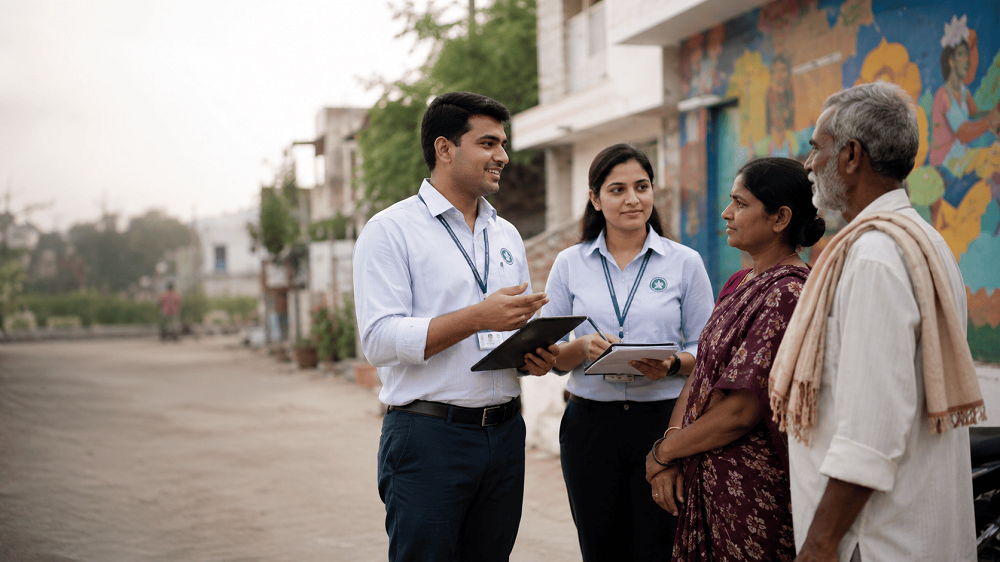
Capture useful citizen details from real field conversations, local visits, and ward-level coordination so every record starts with practical information.
Enter checked citizen information with proper ward details, contact information, and status records for reliable team follow-up.

The design is kept simple, decent, and professional so office staff and ward leaders can use it without confusion.
Create and update ward leader accounts with mobile number, username, ward number, area, and active/inactive status.
Store citizen name, mobile number, address, gender, age, occupation, VIP/officer details, and ward information.
Admins can access all data while ward leaders can access only their assigned records for better privacy.
Generate clean CSV and PDF reports for review meetings, office records, and ward-level planning.
Admin work and field data entry stay separate, which keeps the workflow secure, fast, and easy to maintain.
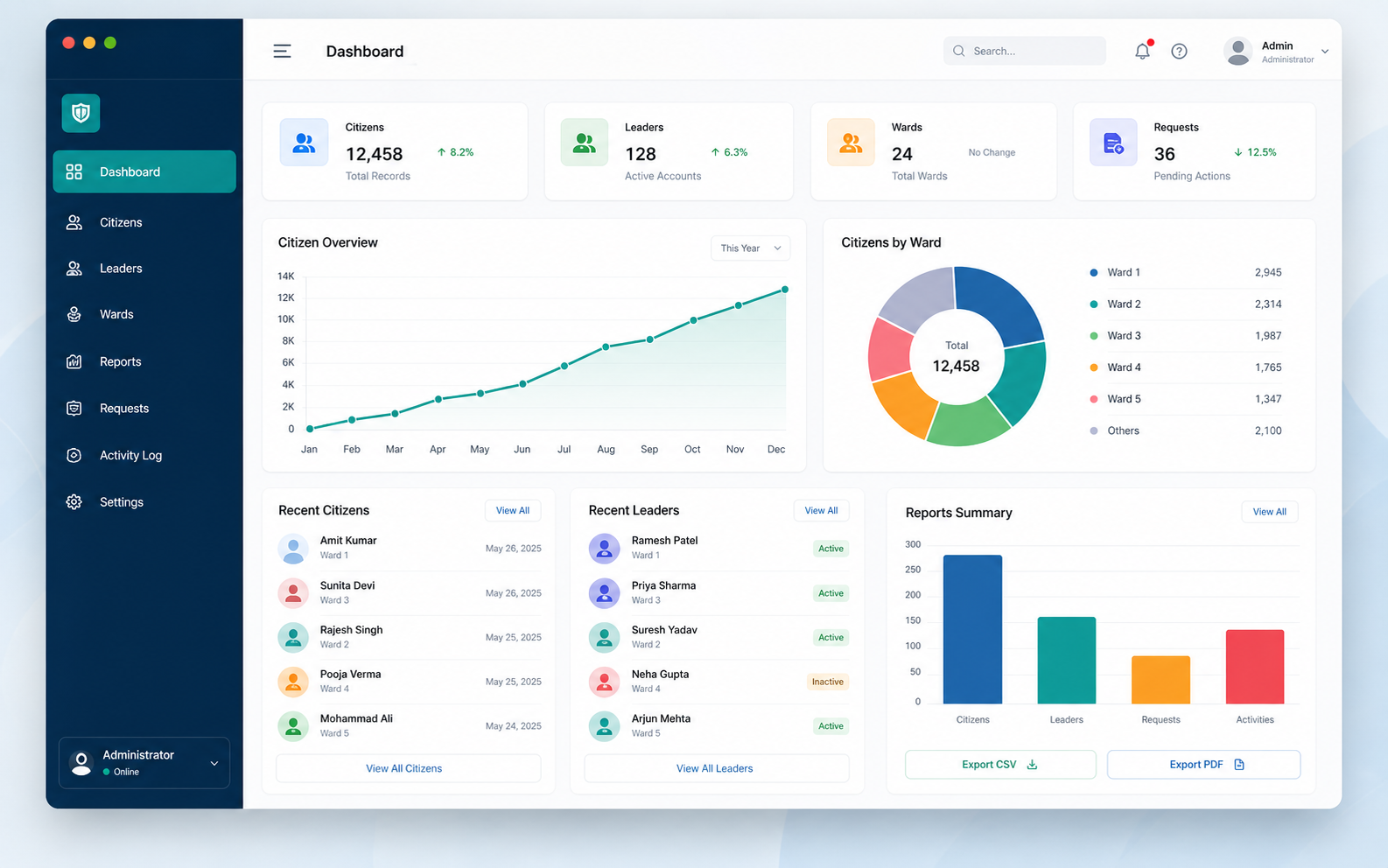
Open LoginView totals, update ward leaders, check all citizen records, and export complete reports.
Add citizens, update assigned records, and export only the data allowed for that account.
Password hashing, session authentication, active account checks, and role-based redirection.
Mobile-friendly pages for Team Khamkar with a clean Bootstrap layout.
The page explains the flow clearly and helps users understand what they can do after login.
Admin and ward leader users enter through the same login page and are redirected to the correct panel.
Users add, update, search, and review citizen records according to their assigned permission level.
Generate CSV and PDF files for official use, printing, sharing, and internal review.
Reports are organized for easy review and can be used for meetings, documentation, and ward-level planning.
Name, email, mobile number, username, ward number, area, status, and created date.
Admin-level report for complete visibility of all citizen records across all wards.
Ward leader report limited to citizen records created or assigned to the logged-in user.
Ward citizen records, leader accounts, and reports on teamkhamkar.com.